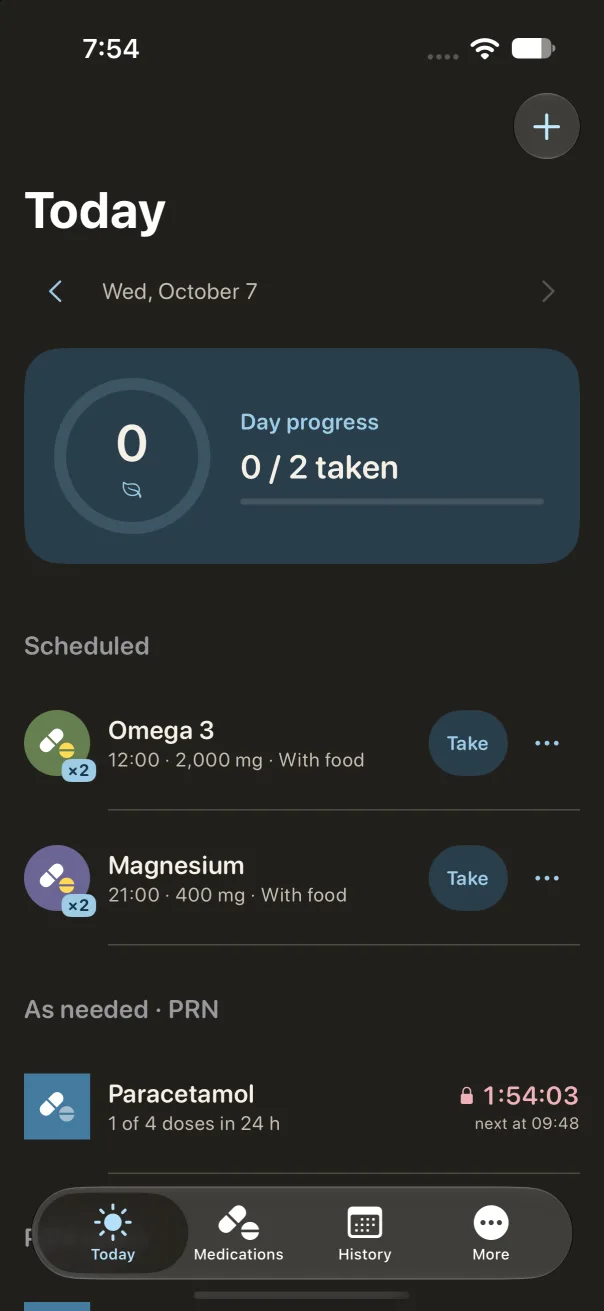
Not every medication follows a schedule. Tavul keeps scheduled and as-needed doses together on one Today screen.
Scheduled
Find your daily rhythm.
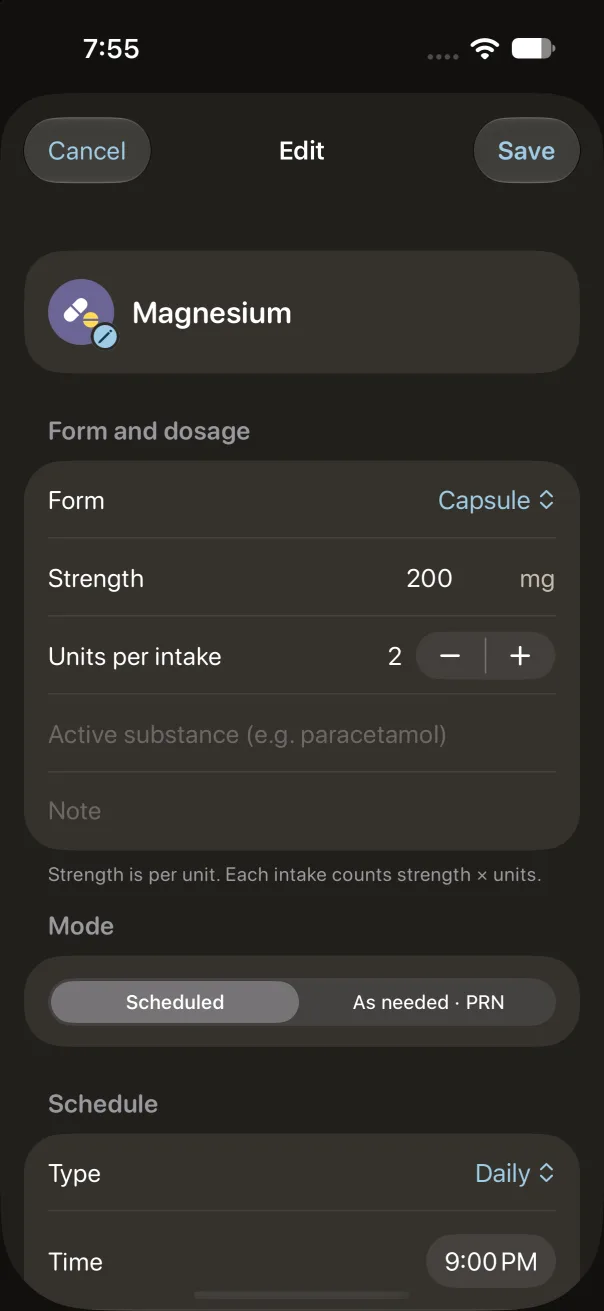
Set up daily medications, vitamins, or a course with an end date. Choose set times, days of the week, intervals, or cycles. Record a dose, snooze it, or mark it as skipped. Add a medication by hand or from a photo of its package.
Illustrative schedule
09:00Taken
14:00Scheduled
20:00Scheduled
A clear plan, with room for real life.
As needed · PRN
Keep the last dose in view.
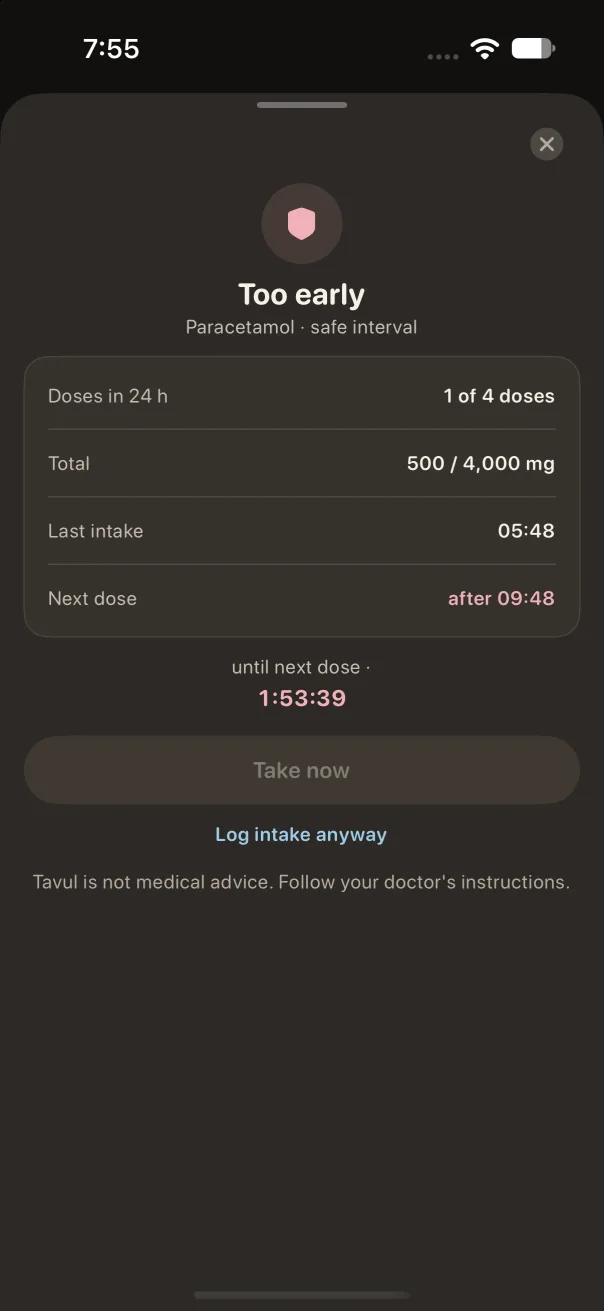
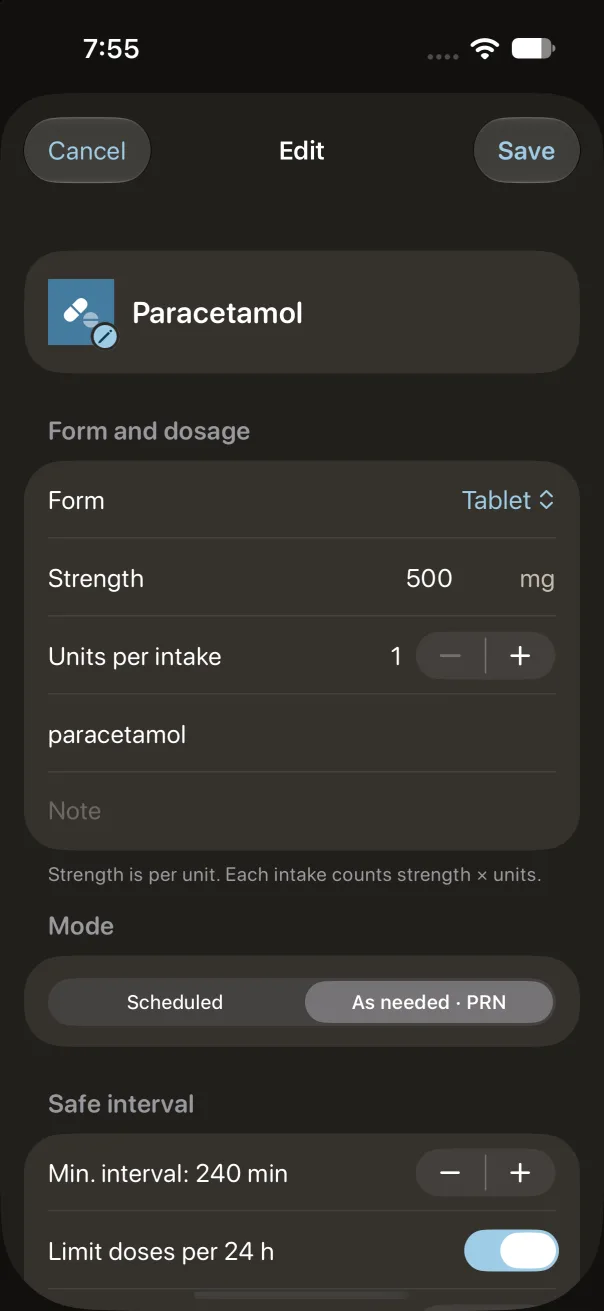
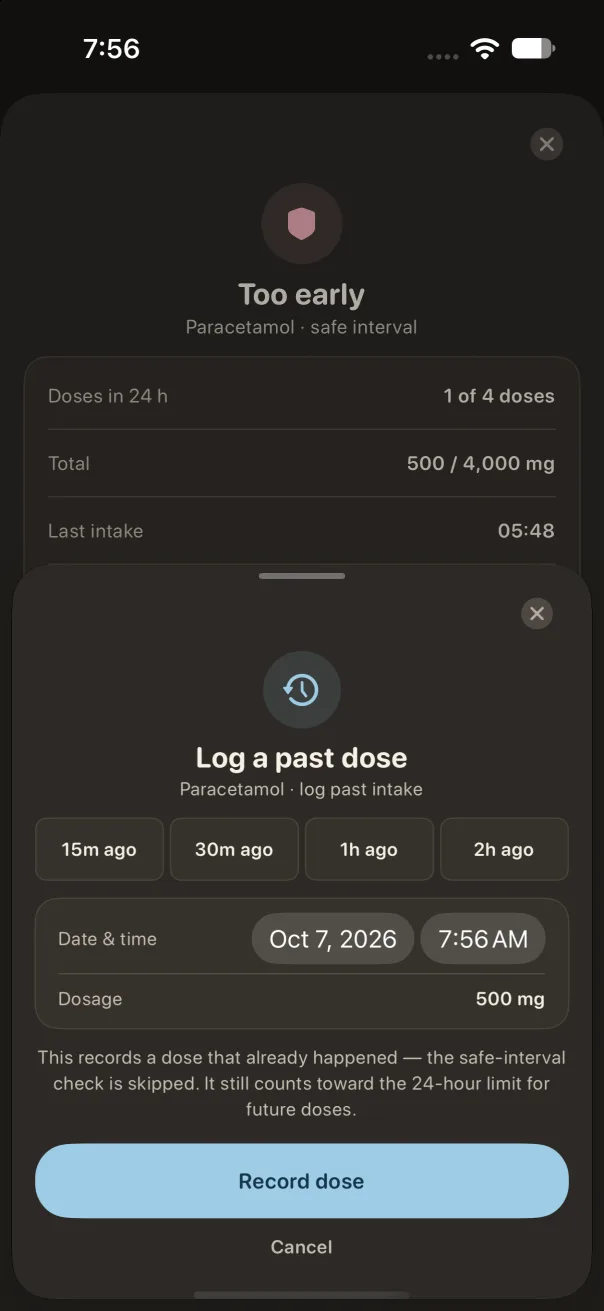
Record occasional doses and see how much time has passed. Tavul checks the interval and 24-hour limits you set against your recorded history.
Until the interval you set has passed02:30:00Based on your last recorded dose
Your settings and records guide the calculation.
Tavul is a tracking tool, not medical advice. It does not determine whether a medication or dose is safe for you. Follow your clinician’s instructions and the medication leaflet.
Made for everyday life
Keep the details close.
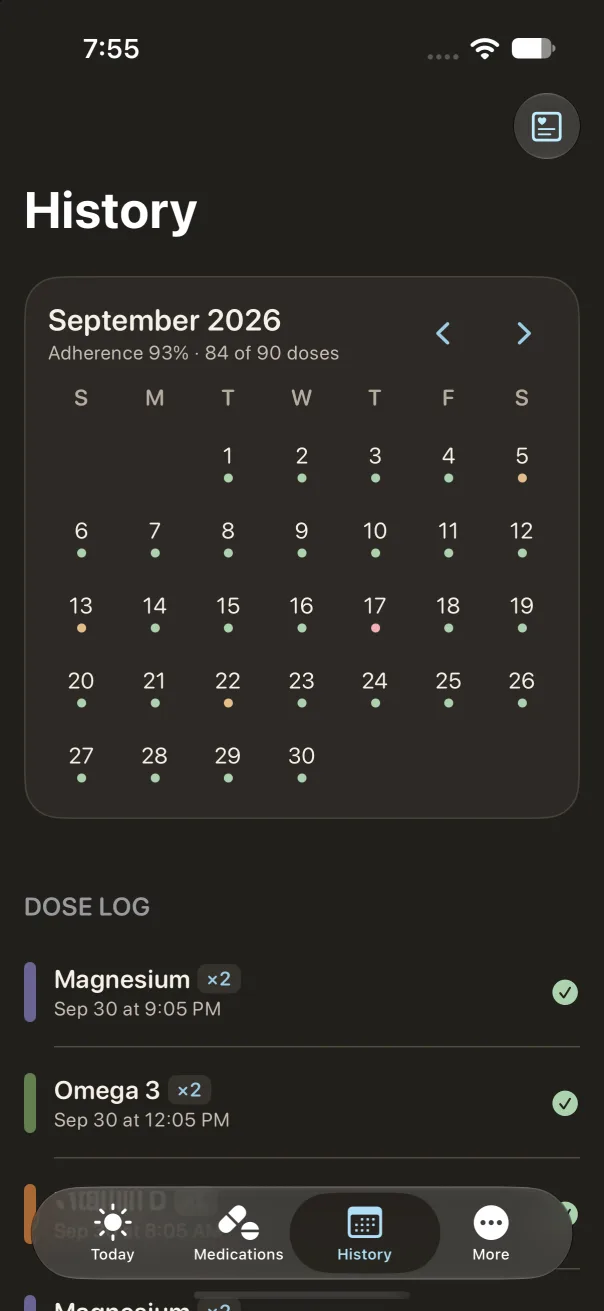
A history you can revisit
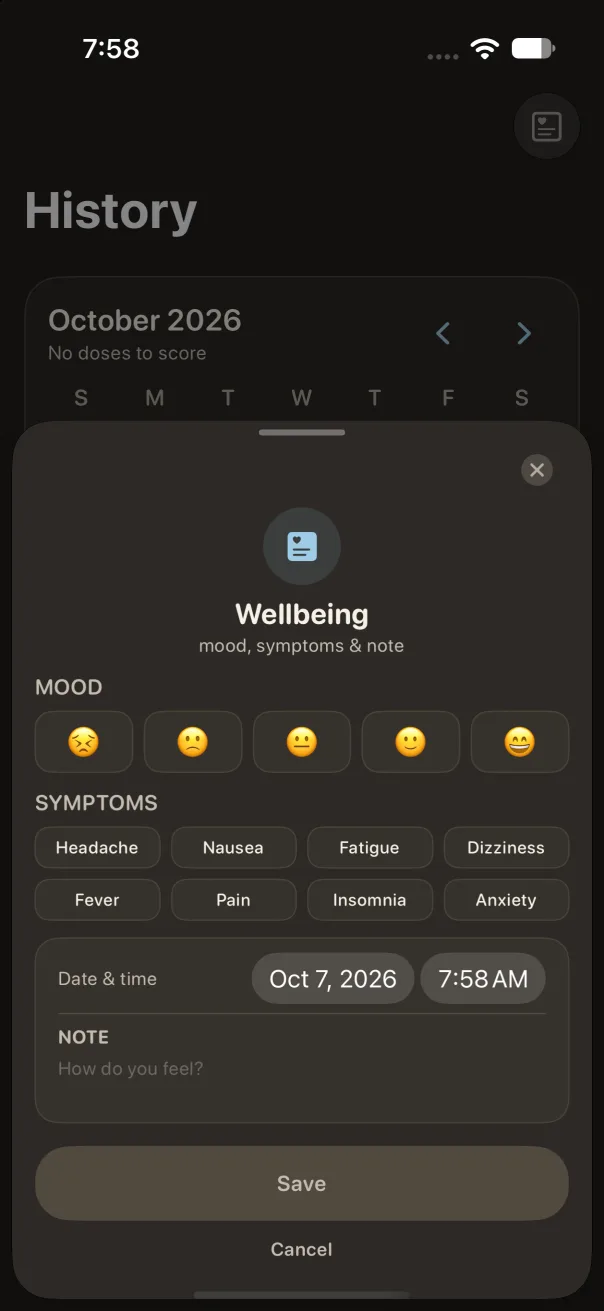
See your intake history and monthly calendar. Add notes about how you feel and export a CSV to share with your clinician. Correct scheduled doses from yesterday and the day before.
Tavul09:00
Tavul20:00
Reminders at your pace
Get local reminders for your schedule and an evening summary of unmarked doses. Turn off reminders for one medication, or snooze or skip a dose when plans change, without a guilt trip.
JSONCSV
Your records, in your hands
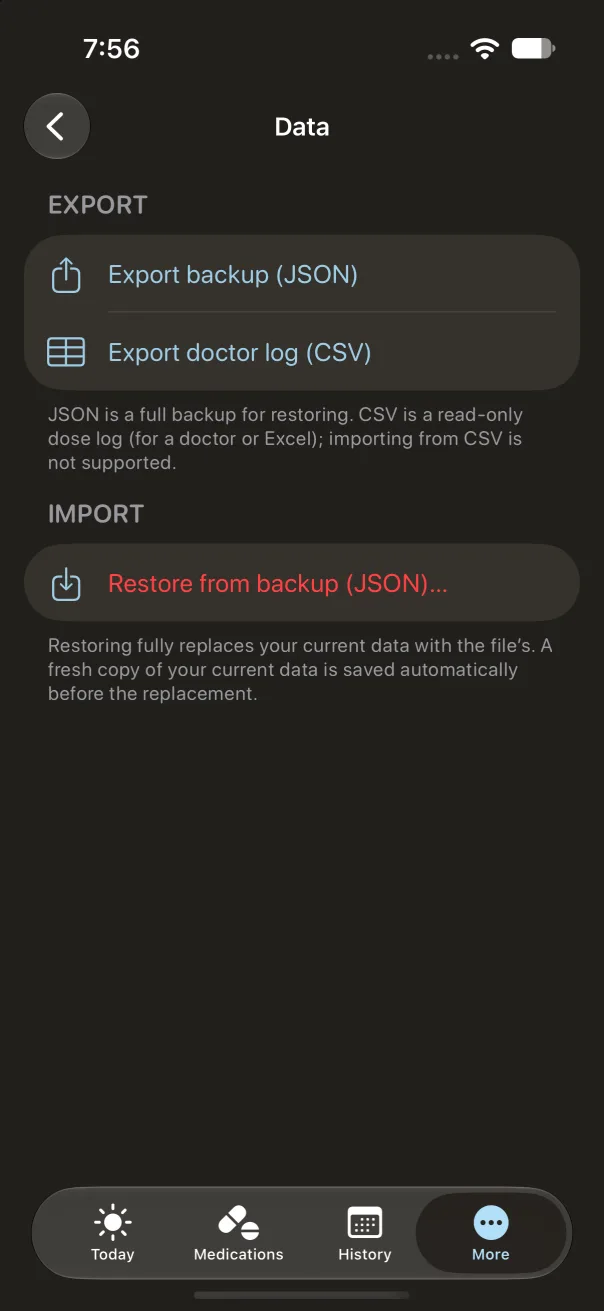
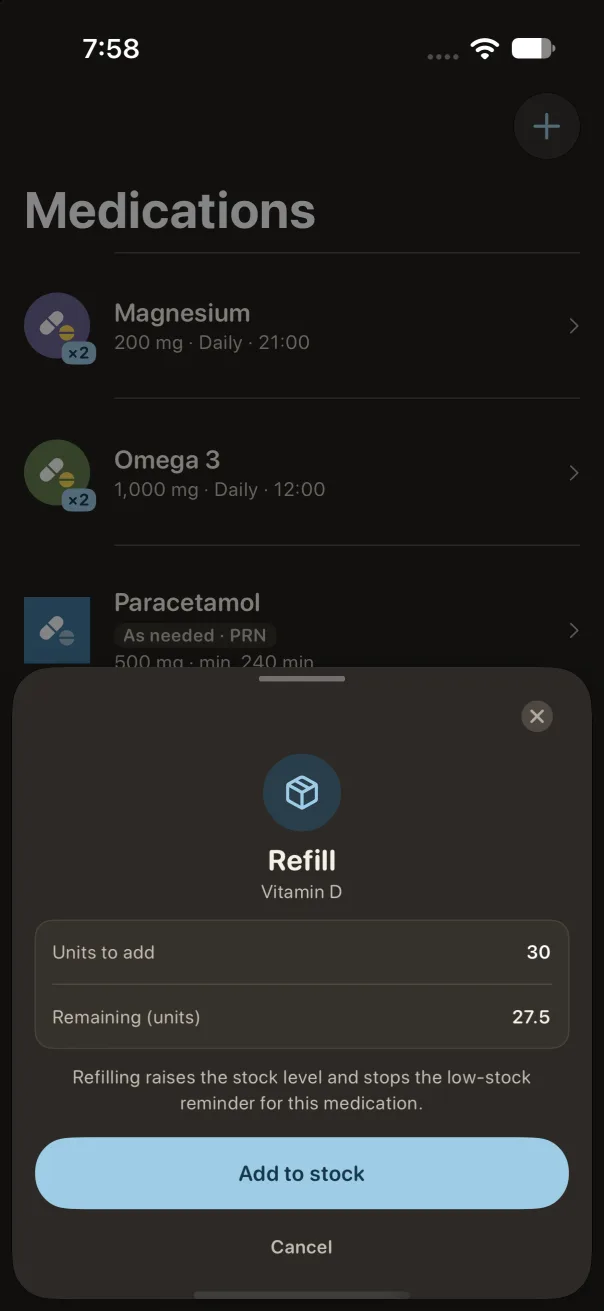
Keep an eye on your remaining supply. Export a JSON backup and restore it when you need to.
Inside the app
A closer look at Tavul.
Real iPhone screens · English interface
Private by design
Your health. Your device. Your business.
0accounts required
Your medication records live on your device. No Tavul account, advertising SDKs, or analytics. We don’t receive your health records.
You choose whether to export or share a file. Device backups are managed separately in your Apple settings.
Yes. Medication records, dose tracking, history, and local reminders work on your device without an internet connection.
Does Tavul tell me what dose to take?
No. You enter the medication, dose, interval, and limits. Tavul helps track those settings and the doses you record. It does not prescribe treatment or check drug interactions.
Can I move or share my records?
You can export a JSON backup for restoration in Tavul, or a CSV of your intake history to share. Restoring a JSON backup replaces the current records after confirmation. Exported files may contain sensitive information, so choose where to save or send them carefully.
Where can I download Tavul?
Find Tavul on the App Store using the download button on this page. The app is free and works on iPhone and iPad with iOS / iPadOS 18 or later.
Can I add a medication from a photo of the package?
Yes. Use the camera or choose a photo of the package. Tavul reads the text on your device and lets you pick which recognized fields to fill in, so check each one before saving. Photos are not saved, and not every package can be read.
Can I fix a dose I forgot to record?
Yes. You can correct scheduled doses from yesterday and the day before, and record an as-needed dose at an earlier time. Tavul recalculates the interval from your updated history.
How is Tavul different from Apple Health Medications?
Apple Health logs as-needed medications and offers drug interaction checks in the US. Tavul does not check interactions. It adds a countdown for the interval you set, rolling 24-hour limits, and supply tracking. See the full comparison in the Tavul vs. Apple Health guide.
Is Tavul available on Android or Apple Watch?
Not at the moment. Tavul is for iPhone and iPad. There is no Android version and no dedicated Apple Watch app.
Meet your calmer routine
Make room for life. We’ll keep track.
A medication companion that fits into your day. Built for iPhone and iPad. Designed around you.
For support or privacy questions, send us an email. Please leave out medication details or other health information unless it’s needed to explain the issue.
 Tavul